
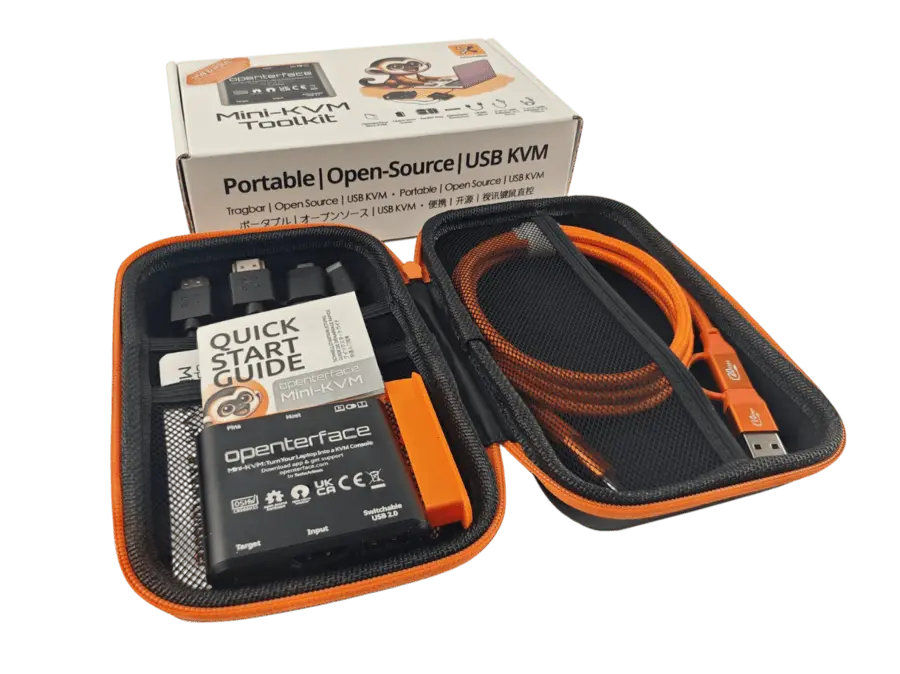
Openterface Mini-KVM
Turn Your Laptop into a KVM Console
Simplify Your Tech Life.
$505,471 Funded on Jun 13, 2024 | 3,775 Backers
Detailed specs, setup guides, and FAQs are on our documentation site while we complete this migration.
Open documentation →A plug-and-play KVM-over-USB solution. Control a nearby headless computer from your laptop using USB and HDMI — no extra peripherals or network required.
The Problem
- Lugging a monitor and keyboard for every server fix is impractical
- Network KVM requires configuration and connectivity
- IT professionals need a reliable pocket KVM daily
The Solution
- Use your existing laptop as the KVM console
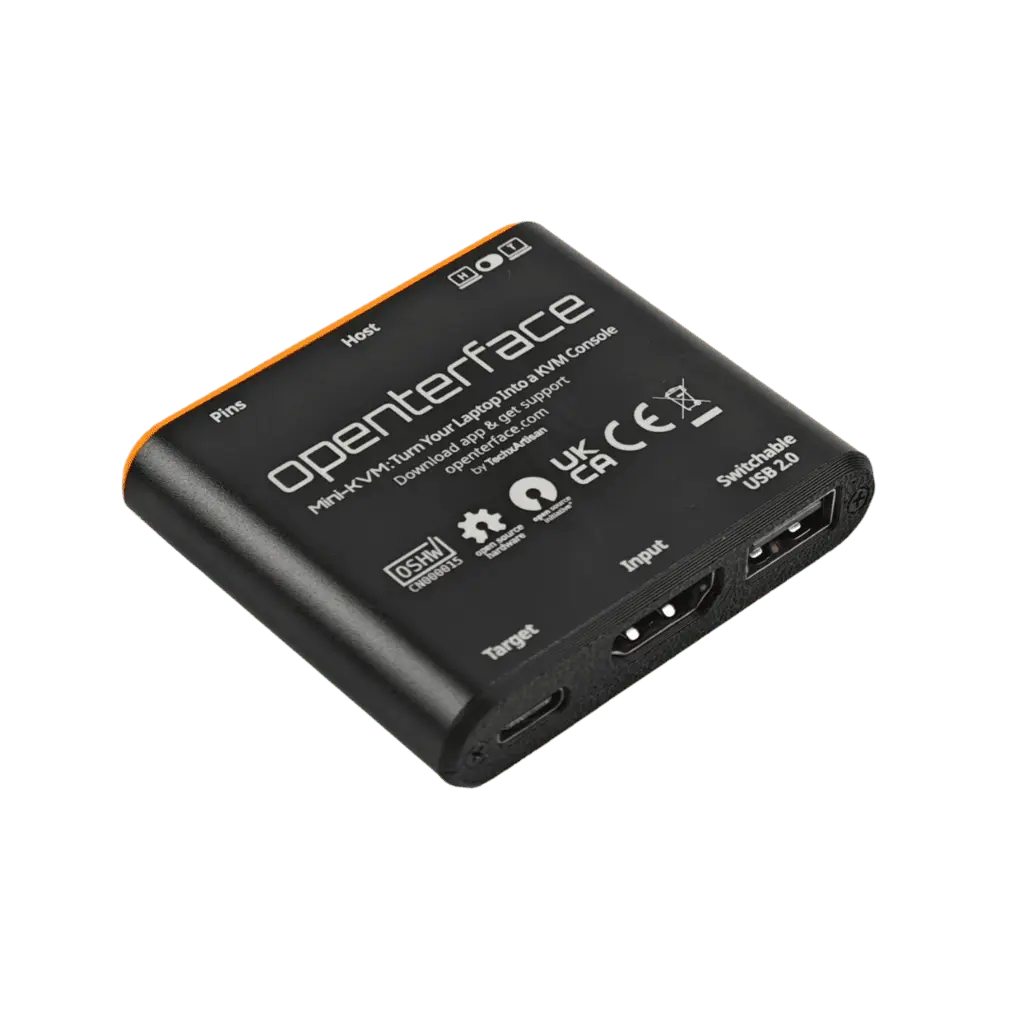
- HDMI capture + USB HID in one compact device
- Proven by 5,000+ community members since 2024
Hardware + Software
Openterface products work best with our open-source host apps.
Hardware
- HDMI capture
Full video from target machine to your host laptop.
- USB switch
Toggle USB devices between host and target.
- Extension pins
Hardware hacking and custom integration options.
Software
- Qt / macOS / Android apps
Native apps for every major host platform.
- Open source
Fully open hardware and software ecosystem.
- Active community
Discord, GitHub, and regular firmware updates.
Key Specs
- Video input
- HDMI
- USB
- USB-C with switchable port
- Status
- Shipping — Crowd Supply
Use Cases
Homelab managementDeveloper workstation side-by-side controlIT bench troubleshooting
Documentation
Ready to get started?
Order hardware and download the Openterface app for your platform.